Download HTML Viewer for iPhone
Download Html Preview on the App Store to open .html, .htm, and .xhtml files locally on iPhone and iPad. No subscriptions, in-app purchases, or ads.
 Html Preview
HTML viewer for iPhone and iPad
Open HTML attachments from Gmail, Outlook, Apple Mail, Messages, Slack, Teams, Discord, WhatsApp, WeChat, LINE, and Telegram on iPhone. Html Preview previews files locally.
Use Html Preview for HTML attachments from email, chat, and team apps. Save the file from Mail, Messages, Slack, Teams, or a chat app, then preview it locally with no upload. No subscriptions, no in-app purchases, and no ads.
App Store opens directly on iPhone and iPad.
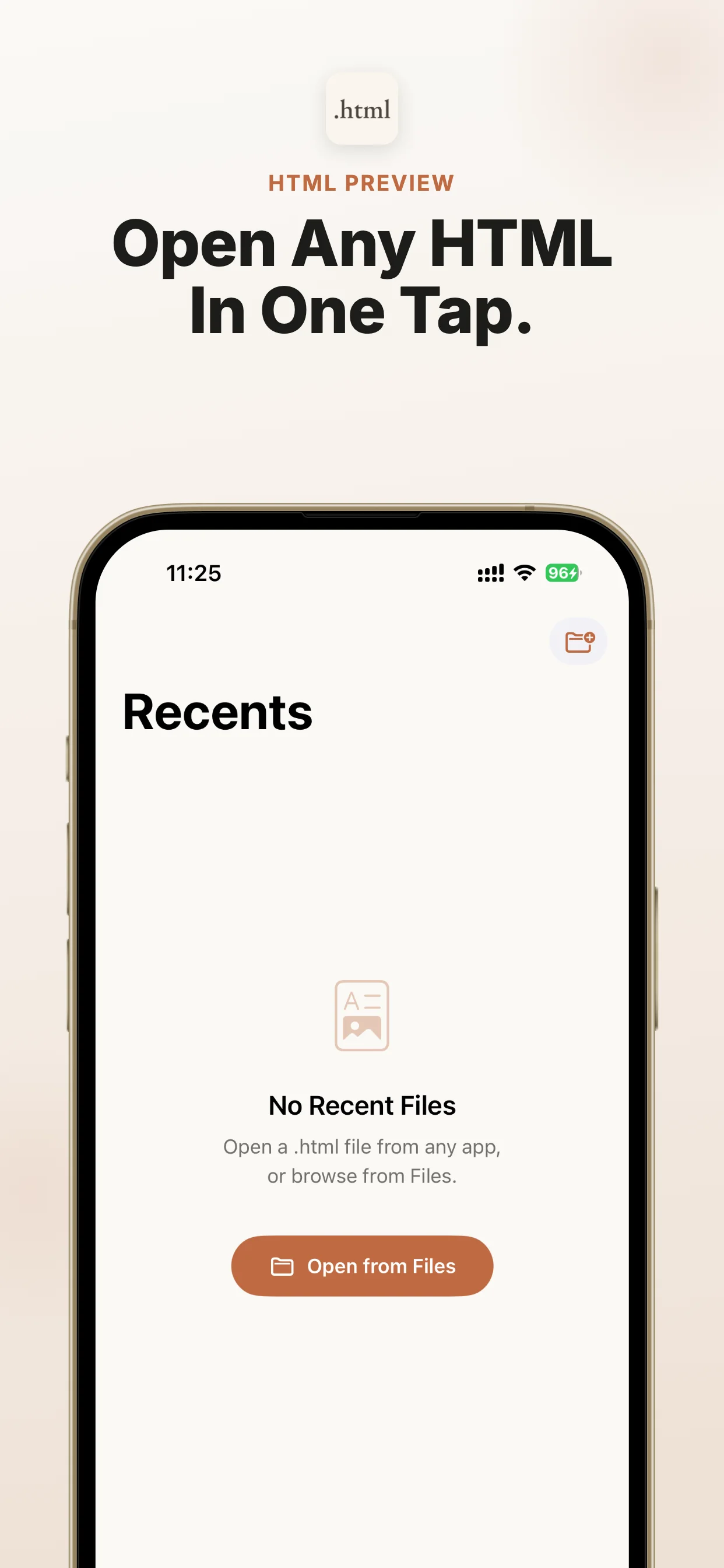
Official App Store screenshots show the exact job: open local files from AI, Files, cloud drives, and email on iPhone and iPad.


Compare, open, read, or download HTML on iPhone with the guides closest to an App Store action.
Download Html Preview on the App Store to open .html, .htm, and .xhtml files locally on iPhone and iPad. No subscriptions, in-app purchases, or ads.
Need an app to open HTML files on iPhone? Use Html Preview for local .html, .htm, and .xhtml files from Files and Share Sheet.
Open .html, .htm, and .xhtml files on iPhone with a focused local HTML file opener. No subscriptions, in-app purchases, or ads.
Read local HTML files on iPhone or iPad. Html Preview turns .html, .htm, and .xhtml files into a clean rendered view.
Best HTML viewer for iPhone/iPad: open files locally from Files, AI tools, and downloads.
Use an offline HTML viewer for iPhone and iPad. Open local .html, .htm, and .xhtml files without uploads, subscriptions, or ads.
Use the route for the app where the HTML attachment arrived: Mail, Gmail, Outlook, Messages, WhatsApp, WeChat, LINE, Slack, Teams, Telegram, or Discord.
Open .html attachments from the Apple Mail app on iPhone or iPad. Preview reports, receipts, newsletters, and AI exports locally with Html Preview.
Open Gmail .html attachments on iPhone or iPad with local preview for reports, receipts, newsletters, and AI exports.
Open Outlook .html attachments on iPhone or iPad with a focused local HTML viewer for work reports and exported pages.
Open .html files shared through Messages or iMessage on iPhone or iPad. Preview AI reports, saved pages, and attachments locally with Html Preview.
Open HTML files from WhatsApp on iPhone or iPad. Preview .html attachments locally with no subscriptions, in-app purchases, or ads.
Open HTML files from WeChat on iPhone or iPad. Preview .html reports and attachments locally with no subscriptions, in-app purchases, or ads.
Open HTML files from LINE on iPhone or iPad. Preview chat attachments locally with no subscriptions, in-app purchases, or ads.
Preview Slack HTML files locally on iPhone with Html Preview.
Open HTML files shared in Microsoft Teams on iPhone or iPad. Preview work reports, AI exports, and saved pages locally.
Open HTML files received in Telegram on iPhone or iPad. Preview .html attachments and AI-generated pages locally.
Open HTML files from Discord on iPhone or iPad. Preview AI pages, reports, and attachments locally with no subscriptions, in-app purchases, or ads.
Open the matching Markdown topic hub on Md Preview instead of starting from the homepage.
Open email, chat, and team app Markdown attachments locally on iPhone
Use Html Preview for HTML attachments from email, chat, and team apps. Save the file from Mail, Messages, Slack, Teams, or a chat app, then preview it locally with no upload. No subscriptions, no in-app purchases, and no ads. When ChatGPT, Claude, Gemini, Perplexity, Copilot, DeepSeek, Grok, NotebookLM, Safari, Mail, WeChat, WhatsApp, Telegram, iCloud Drive, Google Drive, or Dropbox gives you an HTML file, share it to Html Preview and read it immediately.
Use this route when the file already exists and you need a reliable preview path on iPhone or iPad.
You have an HTML file from Gmail, Outlook, Apple Mail, Messages, Slack, Teams, Discord, WhatsApp, WeChat, LINE, or Telegram and iOS shows an icon, raw code, or an unreadable preview.
Start from Files, Mail, Safari downloads, AirDrop, a cloud drive, or the source app, then use Share or Open In.
Html Preview is the dedicated local viewer for .html, .htm, .xhtml; it avoids upload and converter workflows.
If you only have a normal web link, Safari is enough. Use Html Preview when the item is a local .html, .htm, or .xhtml file that iOS cannot preview cleanly.
Use Md Preview, the companion iOS viewer for Markdown files, when this workflow produces Markdown instead of HTML.
Open the App Store listing, install the viewer, then return to the file and share it to Html Preview.
Use this as a quick match for the file type, source app, device, and question you have.
Quick answer
A short source-backed answer that search engines and assistants can quote before sending users to the App Store.
Short, direct answers for the iPhone and iPad file-opening questions people search before downloading.
Use Html Preview for HTML attachments from email, chat, and team apps. Save the file from Mail, Messages, Slack, Teams, or a chat app, then preview it locally with no upload. No subscriptions, no in-app purchases, and no ads.
iOS can store HTML files and Safari opens normal web links, but Files and Quick Look do not provide a reliable focused preview for every local .html, .htm, or .xhtml file. Html Preview gives those files a dedicated destination.
No. The preview happens on your iPhone or iPad.
Choose the file-opening route that matches where the file came from.
Open AI-generated HTML files from ChatGPT, Claude, and Gemini locally on iPhone
Open ChatGPT, Claude, Gemini, and Perplexity HTML files locally on iPhone
Open local HTML files from Cursor, Codex, Claude Code, v0, and AI coding tools on iPhone
Open local HTML files from Files, Mail, Safari downloads, and the iOS Share Sheet on iPhone
Open local cloud drive HTML files from Google Drive, iCloud Drive, Dropbox, OneDrive, Box, and SharePoint on iPhone
Extract ZIPs in Files, then preview one supported HTML file with Html Preview. ZIP archives and multi-file projects do not open inside the app.
Open local .html, .htm, .xhtml files on iPhone with a focused HTML viewer. Html Preview previews files from Files, Mail, and AI tools
Open text/html locally on iPhone. Html Preview previews .html, .htm, .xhtml
Html Preview: private offline local HTML preview on iPhone; files stay on device
Best HTML viewer for iPhone: open local files from Files, ChatGPT, Mail, and downloads. Use Md Preview for Markdown.
Download a focused HTML viewer for iPhone and preview files locally
Use Html Preview as a local HTML file opener for iPhone files from Files
Html Preview fixes .html locally when Files/Quick Look shows source code on iPhone.
Open static site and docs framework HTML files locally on iPhone
Open developer and code editor HTML files from GitHub, VS Code, Working Copy, and terminal workflows locally on iPhone
Open email, chat, and team app HTML attachments locally on iPhone
Open notes, docs, and knowledge-base HTML exports locally on iPhone
Open downloaded HTML files from Safari, Chrome, Edge, Firefox, and Brave locally on iPhone
Import, share, and open local HTML files from Files, Share Sheet, Open In, AirDrop, and ZIP exports on iPhone
AI chatbots and web tools increasingly export reports as HTML files, but iPhone and iPad users often see a file icon instead of a readable page. Html Preview gives those files a reliable place to open.
No editor, project manager, account, or browser clutter.
Handles UTF-8, Windows-1252, and ISO Latin-1 files.
No analytics, no uploads, and no tracking.
When ChatGPT, Claude, Gemini, Perplexity, Copilot, DeepSeek, Grok, NotebookLM, Safari, Mail, WeChat, WhatsApp, Telegram, iCloud Drive, Google Drive, or Dropbox gives you an HTML file, share it to Html Preview and read it immediately.
Save or receive an .html, .htm, or .xhtml file from any app.
Use the iOS Share Sheet or file picker.
The file renders locally in a fast iOS WebView.
iOS can store HTML files and Safari opens normal web links, but Files and Quick Look do not provide a reliable focused preview for every local .html, .htm, or .xhtml file. Html Preview gives those files a dedicated destination.
No. The preview happens on your iPhone or iPad.
Yes. It is designed for HTML files produced by ChatGPT, Claude, Gemini, Perplexity, Copilot, DeepSeek, Grok, NotebookLM, and similar AI tools.
No. Html Preview has no subscriptions, no in-app purchases, and no ads.
Use Html Preview for HTML attachments from email, chat, and team apps. Save the file from Mail, Messages, Slack, Teams, or a chat app, then preview it locally with no upload. No subscriptions, no in-app purchases, and no ads.
Open .html email attachments from Mail, Gmail, Outlook, Files, and messaging apps on iPhone or iPad with private local preview.
Open .html attachments from the Apple Mail app on iPhone or iPad. Preview reports, receipts, newsletters, and AI exports locally with Html Preview.
Open .html files shared through Messages or iMessage on iPhone or iPad. Preview AI reports, saved pages, and attachments locally with Html Preview.
Open Gmail .html attachments on iPhone or iPad with local preview for reports, receipts, newsletters, and AI exports.
Open Outlook .html attachments on iPhone or iPad with a focused local HTML viewer for work reports and exported pages.
Open a Google Chat HTML file on iPhone with Html Preview. Render attachments, reports, CSS, images, and tables locally. No upload.
Open HTML files received in WeChat, WhatsApp, Telegram, or chat apps on iPhone with local preview and no upload workflow.
Open HTML files from WhatsApp on iPhone or iPad. Preview .html attachments locally with no subscriptions, in-app purchases, or ads.
Open HTML files from WeChat on iPhone or iPad. Preview .html reports and attachments locally with no subscriptions, in-app purchases, or ads.
Open HTML files from LINE on iPhone or iPad. Preview chat attachments locally with no subscriptions, in-app purchases, or ads.
Open HTML files from Discord on iPhone or iPad. Preview AI pages, reports, and attachments locally with no subscriptions, in-app purchases, or ads.
Open HTML files shared in Microsoft Teams on iPhone or iPad. Preview work reports, AI exports, and saved pages locally.
Preview Slack HTML files locally on iPhone with Html Preview.
Open HTML files received in Telegram on iPhone or iPad. Preview .html attachments and AI-generated pages locally.

If you also receive Markdown notes or AI-generated .md files, try Md Preview. iPhone Won't Open Markdown? Use Md Preview Locally
Html Preview
HTML viewer for iPhone and iPad
View