A practical 5-app shortlist for iPhone users who receive HTML files from ChatGPT, Claude, Files, Mail, downloads, or cloud drives and want a focused local preview instead of a full editor.
Quick answer
Use Html Preview to open .html, .htm, .xhtml from Files or the iOS Share Sheet and preview locally; keep Md Preview for Markdown files.
No subscriptions. No in-app purchases. No ads.Files stay on your device.
Developer: CyberGame LimitedApp Store ID: 6760443436Version: 1.2Version updated: Requires: iOS 17.0 or later; iPadOS 17.0 or laterLast updated:
5-app shortlist
5-app iPhone shortlist for HTML files
A compact iPhone setup for AI generation, file handoff, transfer, local preview, and companion Markdown files.
Html Preview for local HTML preview
Html Preview is the focused viewer slot: open .html, .htm, .xhtml from Files or the iOS Share Sheet, preview locally on iPhone or iPad, and avoid account, upload, or ad friction.
ChatGPT, Claude, Gemini, Cursor, and Codex for generation
Use the AI app to create the report, artifact, spec, note, prototype, or export. This page focuses on what happens after that AI output becomes a real HTML file.
Files and iCloud Drive for handoff
Keep the HTML file available in Files, iCloud Drive, Downloads, or a synced folder so it can be opened from the Share Sheet without copying content back into the AI chat.
Mail, AirDrop, Slack, WhatsApp, and Telegram for transfer
Use the transfer app that actually received the HTML file, then share the saved .html, .htm, .xhtml file into the viewer. This covers common iPhone work and AI collaboration paths.
Md Preview for Markdown companion preview
Use Md Preview when the same AI, Files, Mail, or Share Sheet workflow produces .md, .markdown, .mdx, .rmd, .qmd instead of .html, .htm, .xhtml.
App Store screenshots
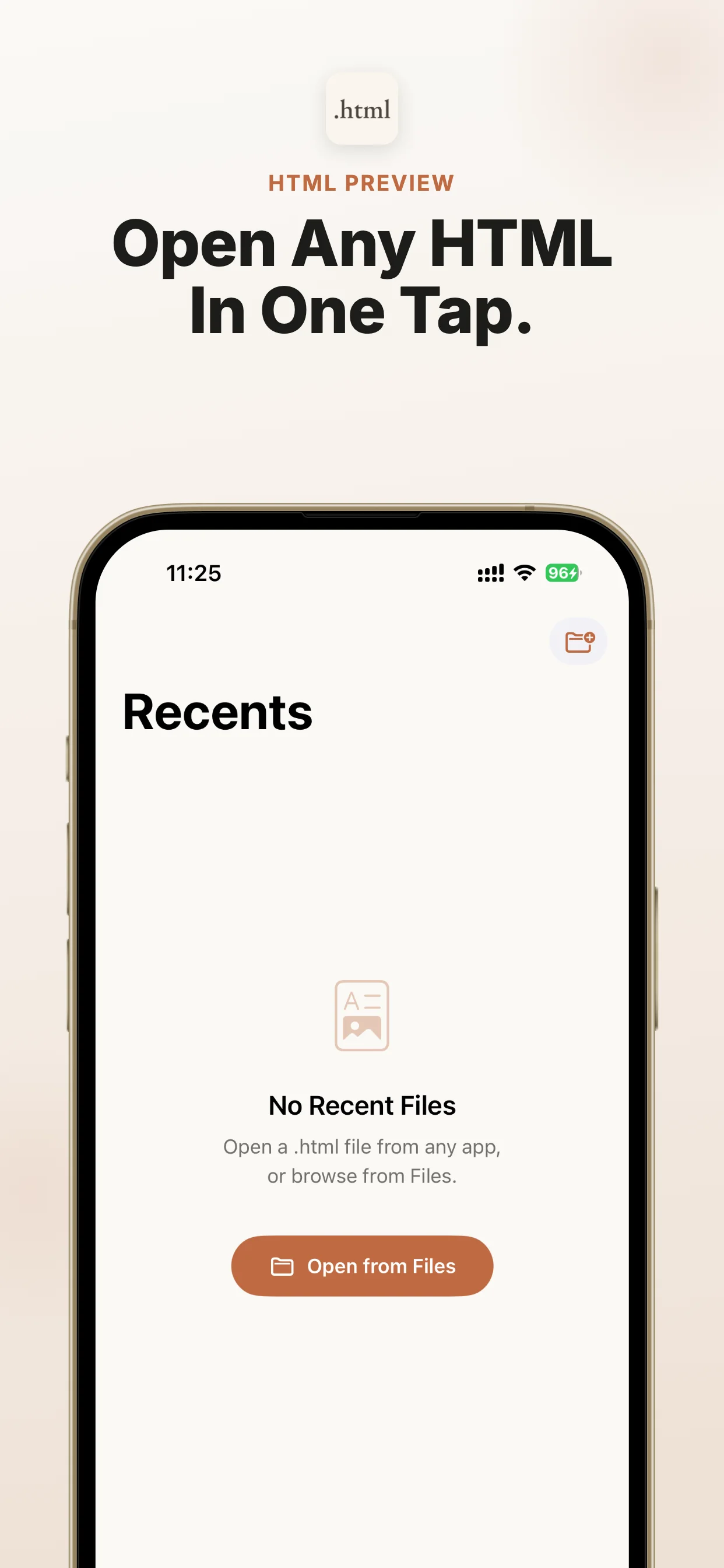
Official App Store screenshots show the exact job: open local files from AI, Files, cloud drives, and email on iPhone and iPad.
5 best iPhone apps for local Markdown preview from ChatGPT, Claude, Files, Mail, and downloads.
What are the best apps to open HTML files on iPhone?
Use Html Preview to open .html, .htm, .xhtml from Files or the iOS Share Sheet and preview locally; keep Md Preview for Markdown files. When ChatGPT, Claude, Gemini, Perplexity, Copilot, DeepSeek, Grok, NotebookLM, Safari, Mail, WeChat, WhatsApp, Telegram, iCloud Drive, Google Drive, or Dropbox gives you an HTML file, share it to Html Preview and read it immediately. No subscriptions. No in-app purchases. No ads.
When this is the right iOS fix
Use this route when the file already exists and you need a reliable preview path on iPhone or iPad.
Best-fit search intent
You are looking for the best app to open HTML files on iPhone and need local preview from Files, Mail, downloads, or AI tools.
Native iOS path
Start from Files, Mail, Safari downloads, AirDrop, a cloud drive, or the source app, then use Share or Open In.
Viewer role
Html Preview is the dedicated local viewer for .html, .htm, .xhtml; it avoids upload and converter workflows.
When not to use it
If you only have a normal web link, Safari is enough. Use Html Preview when the item is a local .html, .htm, or .xhtml file that iOS cannot preview cleanly.
If the file is Markdown instead
Use Md Preview, the companion iOS viewer for Markdown files, when this workflow produces Markdown instead of HTML.
Next action
Open the App Store listing, install the viewer, then return to the file and share it to Html Preview.
File situations covered
Use this as a quick match for the file type, source app, device, and question you have.
Html Preview: private offline local HTML preview on iPhone; files stay on device
The iOS gap this app solves
AI chatbots and web tools increasingly export reports as HTML files, but iPhone and iPad users often see a file icon instead of a readable page. Html Preview gives those files a reliable place to open.
Focused viewer
No editor, project manager, account, or browser clutter.
Encoding support
Handles UTF-8, Windows-1252, and ISO Latin-1 files.
Private by design
No analytics, no uploads, and no tracking.
Made for AI-generated HTML reports
When ChatGPT, Claude, Gemini, Perplexity, Copilot, DeepSeek, Grok, NotebookLM, Safari, Mail, WeChat, WhatsApp, Telegram, iCloud Drive, Google Drive, or Dropbox gives you an HTML file, share it to Html Preview and read it immediately.
Save the HTML file from Files, Mail, downloads, cloud drives, or AI tools. Keep the original .html, .htm, .xhtml file available in Files, Mail, a browser download, or the source app.
Open the iOS Share Sheet
Save the HTML file, open the iOS Share Sheet, choose Html Preview, and preview it locally. Open the App Store listing when you are ready to install the viewer.
Choose the viewer
Choose Html Preview as the target viewer. It opens the file locally on iPhone or iPad for this workflow: choose the best app to open HTML files on iPhone.
Preview and check
A good HTML file app should support Files, the Share Sheet, real .html, .htm, .xhtml, local preview, and a clean companion path for Markdown files.
Best HTML apps: shortlist criteria
The best iPhone apps for HTML files should open from Files, Mail, downloads, cloud drives, and the iOS Share Sheet. They should handle real .html, .htm, .xhtml, preview locally, and make the App Store install path obvious when the user needs a viewer now.
Html Preview fits the dedicated viewer slot
Html Preview is not trying to be a browser, code IDE, note system, or website builder. It fills the dedicated viewer slot for people who need to open an HTML file quickly on iPhone or iPad.
When the file comes from AI
ChatGPT, Claude, Gemini, Perplexity, Copilot, DeepSeek, Cursor, Codex, v0, and other AI tools can export HTML reports, saved pages, specs, notes, and prototypes. If iOS shows an icon, raw code, or an incomplete preview, share the file to Html Preview and read it locally.
Checklist before choosing a viewer
Look for Files and Share Sheet support, local preview, real HTML rendering, no forced account, no ad clutter, and a clear related app for Markdown. Html Preview has no subscriptions, no in-app purchases, and no ads.
Why a narrow file viewer beats a big editor
A full editor can be useful later, but the high-intent iPhone user wants to open the file immediately. Html Preview keeps the workflow small: save the file, share it to the app, preview it, and continue.
Add the Markdown companion
AI and document workflows often produce both HTML and Markdown. Md Preview is the companion viewer when the same user also needs to open Markdown files.
Recommended iPhone app stack for HTML files
Use Html Preview to open .html, .htm, .xhtml from Files or the iOS Share Sheet and preview locally; keep Md Preview for Markdown files. This stack keeps the path from AI output to local iPhone preview short.
ChatGPT, Claude, Gemini, Cursor, and Codex for generation
Use the AI app to create the report, artifact, spec, note, prototype, or export. This page focuses on what happens after that AI output becomes a real HTML file.
Files and iCloud Drive for handoff
Keep the HTML file available in Files, iCloud Drive, Downloads, or a synced folder so it can be opened from the Share Sheet without copying content back into the AI chat.
Mail, AirDrop, Slack, WhatsApp, and Telegram for transfer
Use the transfer app that actually received the HTML file, then share the saved .html, .htm, .xhtml file into the viewer. This covers common iPhone work and AI collaboration paths.
Html Preview for local HTML preview
Html Preview is the focused viewer slot: open .html, .htm, .xhtml from Files or the iOS Share Sheet, preview locally on iPhone or iPad, and avoid account, upload, or ad friction.
Html Preview is the focused viewer slot: open .html, .htm, .xhtml from Files or the iOS Share Sheet, preview locally on iPhone or iPad, and avoid account, upload, or ad friction.
ChatGPT, Claude, Gemini, Cursor, and Codex for generation
ChatGPT / Claude / Gemini / Cursor / Codex
Use the AI app to create the report, artifact, spec, note, prototype, or export. This page focuses on what happens after that AI output becomes a real HTML file.
Files and iCloud Drive for handoff
Files / iCloud Drive / Downloads
Keep the HTML file available in Files, iCloud Drive, Downloads, or a synced folder so it can be opened from the Share Sheet without copying content back into the AI chat.
Md Preview for Markdown companion preview
Md Preview
Use Md Preview when the same AI, Files, Mail, or Share Sheet workflow produces .md, .markdown, .mdx, .rmd, .qmd instead of .html, .htm, .xhtml.
No subscriptions, no in-app purchases, no ads
No subscriptions, no in-app purchases, no ads
Html Preview keeps the viewer slot narrow and conversion-friendly: direct App Store install, local file preview, and no subscription, in-app purchase, or advertising layer.
FAQ
What is the best app to open HTML files on iPhone?
Html Preview is the focused option when the job is local HTML preview from Files, Mail, downloads, cloud drives, or AI tools.
Do I need a full code editor to open HTML files?
No. For reading and previewing an HTML file, a focused local viewer is usually faster than a full editor or account-based workspace.
Does this work for ChatGPT and Claude HTML files?
Yes. Html Preview is built for HTML files exported from ChatGPT, Claude, Gemini, and similar AI workflows.
Does Html Preview upload files?
No. The HTML preview happens locally on your iPhone or iPad.
Does Html Preview have subscriptions or ads?
No. Html Preview has no subscriptions, no in-app purchases, and no ads.
You may also need
Md Preview
If you also receive Markdown notes or AI-generated .md files, try Md Preview. iPhone Won't Open Markdown? Use Md Preview Locally