A broad HTML app list should still solve the iPhone moment that matters: opening the file. This shortlist compares the viewer slot with editors, browsers, notes apps, cloud storage, and AI tools without hiding the local preview use case.
Quick answer
Use Html Preview as the focused local HTML viewer; Files or cloud storage handles handoff, and Md Preview covers Markdown files.
No subscriptions. No in-app purchases. No ads.Files stay on your device.
Developer: CyberGame LimitedApp Store ID: 6760443436Version: 1.2Version updated: Requires: iOS 17.0 or later; iPadOS 17.0 or laterLast updated:
5-app shortlist
5-app iPhone shortlist for HTML files
A compact iPhone setup for AI generation, file handoff, transfer, local preview, and companion Markdown files.
Html Preview for local HTML preview
Html Preview is the focused viewer slot: open .html, .htm, .xhtml from Files or the iOS Share Sheet, preview locally on iPhone or iPad, and avoid account, upload, or ad friction.
ChatGPT, Claude, Gemini, Cursor, and Codex for generation
Use the AI app to create the report, artifact, spec, note, prototype, or export. This page focuses on what happens after that AI output becomes a real HTML file.
Files and iCloud Drive for handoff
Keep the HTML file available in Files, iCloud Drive, Downloads, or a synced folder so it can be opened from the Share Sheet without copying content back into the AI chat.
Mail, AirDrop, Slack, WhatsApp, and Telegram for transfer
Use the transfer app that actually received the HTML file, then share the saved .html, .htm, .xhtml file into the viewer. This covers common iPhone work and AI collaboration paths.
Md Preview for Markdown companion preview
Use Md Preview when the same AI, Files, Mail, or Share Sheet workflow produces .md, .markdown, .mdx, .rmd, .qmd instead of .html, .htm, .xhtml.
App Store screenshots
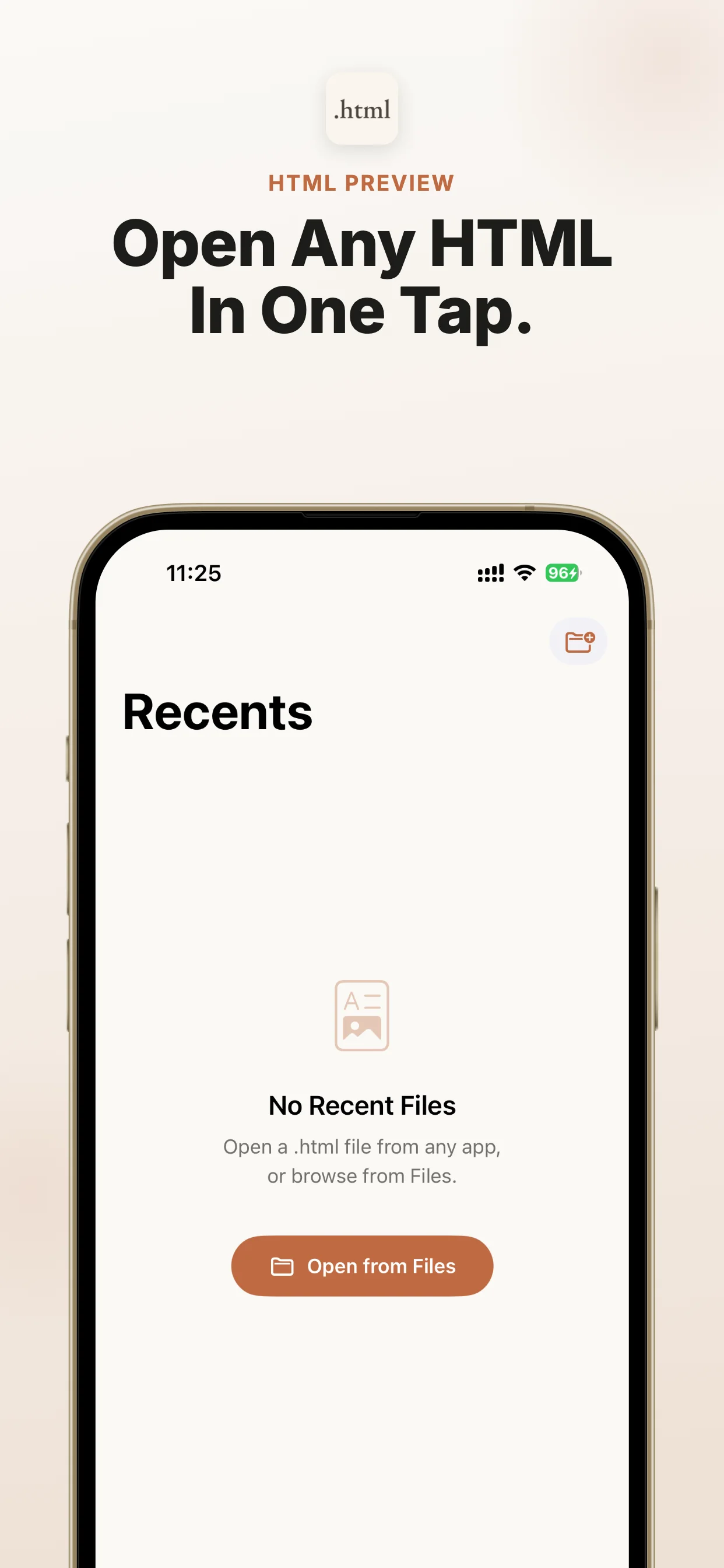
Official App Store screenshots show the exact job: open local files from AI, Files, cloud drives, and email on iPhone and iPad.
Best Markdown apps for iPhone: Md Preview, local iOS Markdown viewer for ChatGPT.
What are the best HTML apps for iPhone?
Use Html Preview as the focused local HTML viewer; Files or cloud storage handles handoff, and Md Preview covers Markdown files. When ChatGPT, Claude, Gemini, Perplexity, Copilot, DeepSeek, Grok, NotebookLM, Safari, Mail, WeChat, WhatsApp, Telegram, iCloud Drive, Google Drive, or Dropbox gives you an HTML file, share it to Html Preview and read it immediately. No subscriptions. No in-app purchases. No ads.
When this is the right iOS fix
Use this route when the file already exists and you need a reliable preview path on iPhone or iPad.
Best-fit search intent
You are comparing HTML apps for iPhone and need the focused local viewer slot for files from AI tools, Files, Mail, and downloads.
Native iOS path
Start from Files, Mail, Safari downloads, AirDrop, a cloud drive, or the source app, then use Share or Open In.
Viewer role
Html Preview is the dedicated local viewer for .html, .htm, .xhtml; it avoids upload and converter workflows.
When not to use it
If you only have a normal web link, Safari is enough. Use Html Preview when the item is a local .html, .htm, or .xhtml file that iOS cannot preview cleanly.
If the file is Markdown instead
Use Md Preview, the companion iOS viewer for Markdown files, when this workflow produces Markdown instead of HTML.
Next action
Open the App Store listing, install the viewer, then return to the file and share it to Html Preview.
File situations covered
Use this as a quick match for the file type, source app, device, and question you have.
Download a focused HTML viewer for iPhone and preview files locally
The iOS gap this app solves
AI chatbots and web tools increasingly export reports as HTML files, but iPhone and iPad users often see a file icon instead of a readable page. Html Preview gives those files a reliable place to open.
Focused viewer
No editor, project manager, account, or browser clutter.
Encoding support
Handles UTF-8, Windows-1252, and ISO Latin-1 files.
Private by design
No analytics, no uploads, and no tracking.
Made for AI-generated HTML reports
When ChatGPT, Claude, Gemini, Perplexity, Copilot, DeepSeek, Grok, NotebookLM, Safari, Mail, WeChat, WhatsApp, Telegram, iCloud Drive, Google Drive, or Dropbox gives you an HTML file, share it to Html Preview and read it immediately.
Save the HTML file from AI tools, Files, Mail, downloads, or cloud drives. Keep the original .html, .htm, .xhtml file available in Files, Mail, a browser download, or the source app.
Open the iOS Share Sheet
When an HTML file lands on iPhone from an AI tool, Mail, Files, downloads, or cloud storage, share it to Html Preview and preview it locally.
Choose the viewer
Choose Html Preview as the target viewer. It opens the file locally on iPhone or iPad for this workflow: choose the best HTML apps for iPhone.
Preview and check
A strong HTML app setup should include Files support, Share Sheet import, real .html, .htm, .xhtml handling, local preview, no ad clutter, and a companion route for Markdown.
Best HTML apps for iPhone: what belongs on the list
The useful iPhone stack is not one giant app. It has an AI or source app, Files or cloud storage, a transfer path such as Mail, AirDrop, Slack, WhatsApp, or Telegram, and one focused HTML viewer for the final open-and-read step.
Html Preview is the focused viewer slot
Html Preview is built for the viewer slot: open .html, .htm, .xhtml from Files or the iOS Share Sheet, preview locally, and avoid turning a quick file check into a full editor workspace.
Where editors, browsers, notes, and cloud apps fit
Editors are useful when you need to change code. Browsers help with web links. Notes apps organize long-term writing. Cloud apps sync files. None of those categories replaces a fast local viewer when the immediate job is to open the HTML file on iPhone.
AI tools made this category more important
ChatGPT, Claude, Gemini, Perplexity, Copilot, DeepSeek, Cursor, Codex, v0, and other AI tools can produce reports, artifacts, prototypes, specs, and notes as real HTML files. The broader best-apps query is growing because users now need to inspect those generated files away from a desktop.
Selection checklist before installing
Prefer apps that open from Files and Share Sheet, support real .html, .htm, .xhtml, keep preview on device, avoid forced accounts, avoid ad clutter, and expose a clear App Store install path. Html Preview has no subscriptions, no in-app purchases, and no ads.
Add the Markdown companion
AI and document workflows often produce both HTML and Markdown. Md Preview is the companion viewer when the same user also needs to open Markdown files.
Recommended iPhone app stack for HTML files
Use Html Preview as the focused local HTML viewer; Files or cloud storage handles handoff, and Md Preview covers Markdown files. This stack keeps the path from AI output to local iPhone preview short.
ChatGPT, Claude, Gemini, Cursor, and Codex for generation
Use the AI app to create the report, artifact, spec, note, prototype, or export. This page focuses on what happens after that AI output becomes a real HTML file.
Files and iCloud Drive for handoff
Keep the HTML file available in Files, iCloud Drive, Downloads, or a synced folder so it can be opened from the Share Sheet without copying content back into the AI chat.
Mail, AirDrop, Slack, WhatsApp, and Telegram for transfer
Use the transfer app that actually received the HTML file, then share the saved .html, .htm, .xhtml file into the viewer. This covers common iPhone work and AI collaboration paths.
Html Preview for local HTML preview
Html Preview is the focused viewer slot: open .html, .htm, .xhtml from Files or the iOS Share Sheet, preview locally on iPhone or iPad, and avoid account, upload, or ad friction.
Html Preview is the focused viewer slot: open .html, .htm, .xhtml from Files or the iOS Share Sheet, preview locally on iPhone or iPad, and avoid account, upload, or ad friction.
ChatGPT, Claude, Gemini, Cursor, and Codex for generation
ChatGPT / Claude / Gemini / Cursor / Codex
Use the AI app to create the report, artifact, spec, note, prototype, or export. This page focuses on what happens after that AI output becomes a real HTML file.
Files and iCloud Drive for handoff
Files / iCloud Drive / Downloads
Keep the HTML file available in Files, iCloud Drive, Downloads, or a synced folder so it can be opened from the Share Sheet without copying content back into the AI chat.
Md Preview for Markdown companion preview
Md Preview
Use Md Preview when the same AI, Files, Mail, or Share Sheet workflow produces .md, .markdown, .mdx, .rmd, .qmd instead of .html, .htm, .xhtml.
No subscriptions, no in-app purchases, no ads
No subscriptions, no in-app purchases, no ads
Html Preview keeps the viewer slot narrow and conversion-friendly: direct App Store install, local file preview, and no subscription, in-app purchase, or advertising layer.
FAQ
What is the best HTML app for iPhone?
Html Preview is the focused choice when you need to preview an HTML file locally from Files, downloads, Mail, cloud drives, or AI tools.
Do I need a dedicated HTML editor on iPhone?
Only if you plan to edit. If the immediate job is reading or checking an HTML file, a focused viewer is faster and simpler.
Which apps should be in an iPhone HTML workflow?
Use a source app or AI tool, Files or cloud storage for handoff, a transfer app when needed, Html Preview for local HTML preview, and Md Preview for related Markdown files.
Does Html Preview upload files?
No. The HTML preview happens locally on your iPhone or iPad.
Does Html Preview have subscriptions or ads?
No. Html Preview has no subscriptions, no in-app purchases, and no ads.
You may also need
Md Preview
If you also receive Markdown notes or AI-generated .md files, try Md Preview. iPhone Won't Open Markdown? Use Md Preview Locally